Quick recap
- Free indicators & settings are members-only
- You must log in to see and download them
- New users just need to sign up once
- Login unlocks everything available
- More content is added over time
If you’re looking for our free indicators or ready-to-use settings (templates) and don’t see them right away, don’t worry – nothing’s broken. This is completely normal. Here’s how it works ↓
Why some free content looks “locked”
All Free indicators and settings are exclusive to ninZaFamily members.
That means:
- If you’re not logged in, those sections will be hidden.
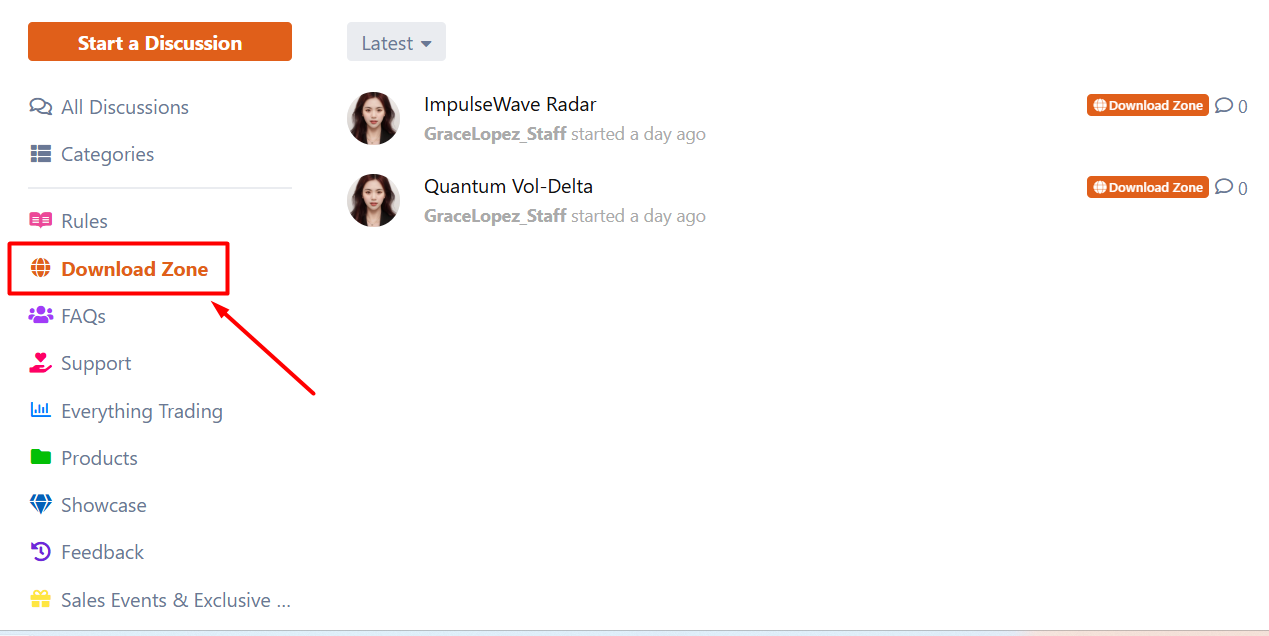
- Once you log in, everything unlocks automatically. (The recommended settings and ~ 40 Free indicators will appear)
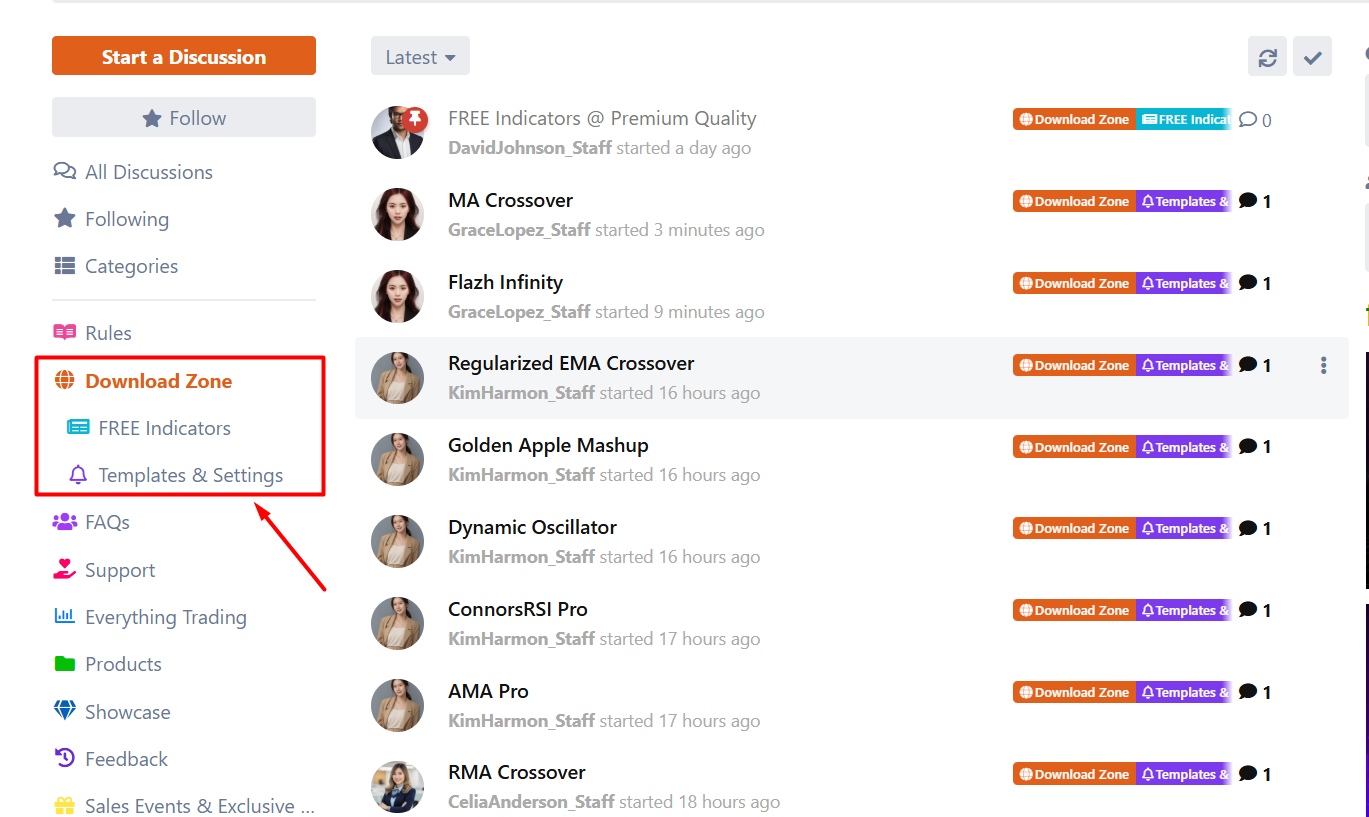
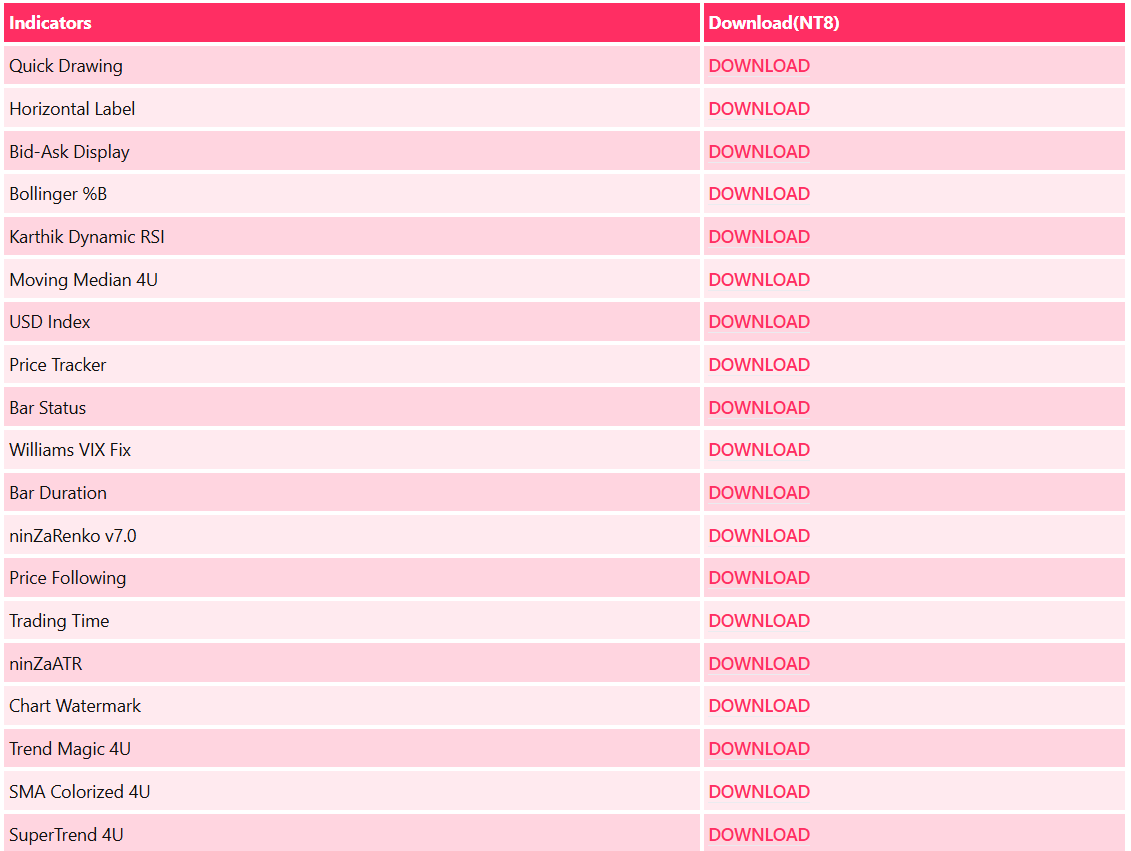
This setup helps us keep the content organized and make sure members always get the latest updates.

Step 1: Log in (or sign up if you’re new)
To access all free indicators and settings, you’ll need to log in first.
If you don’t have an account yet, signing up only takes a moment.
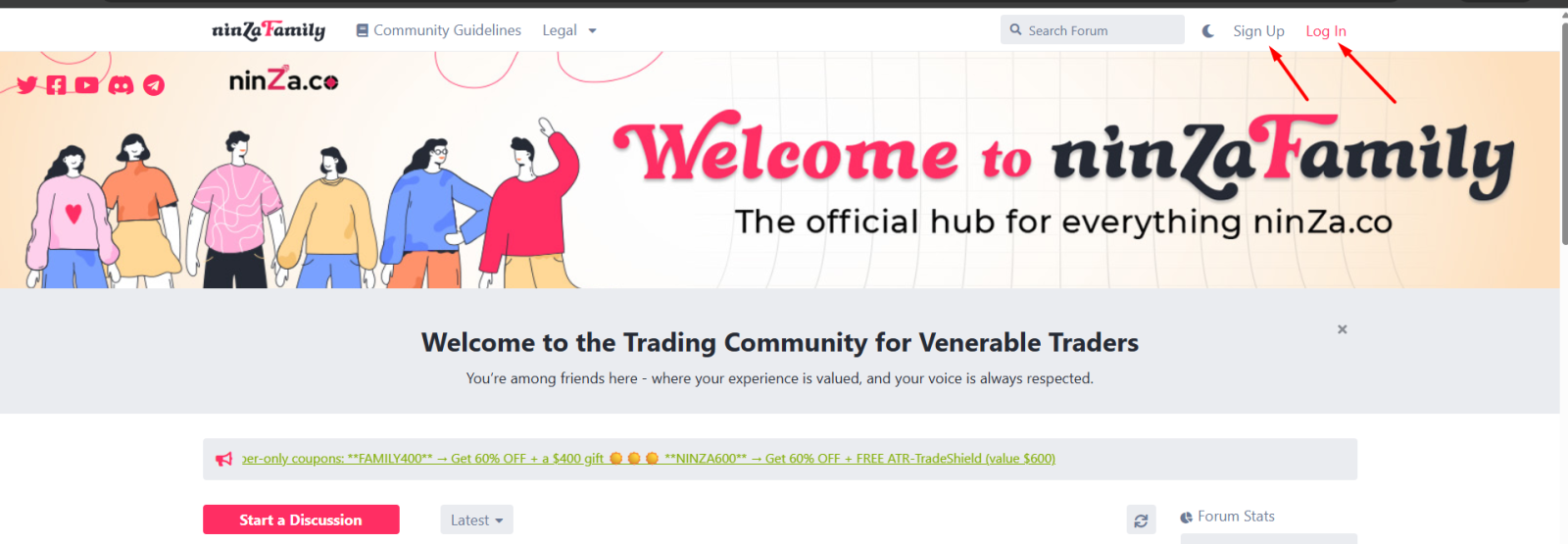
- You can register using Gmail
- Or sign up quickly with Discord
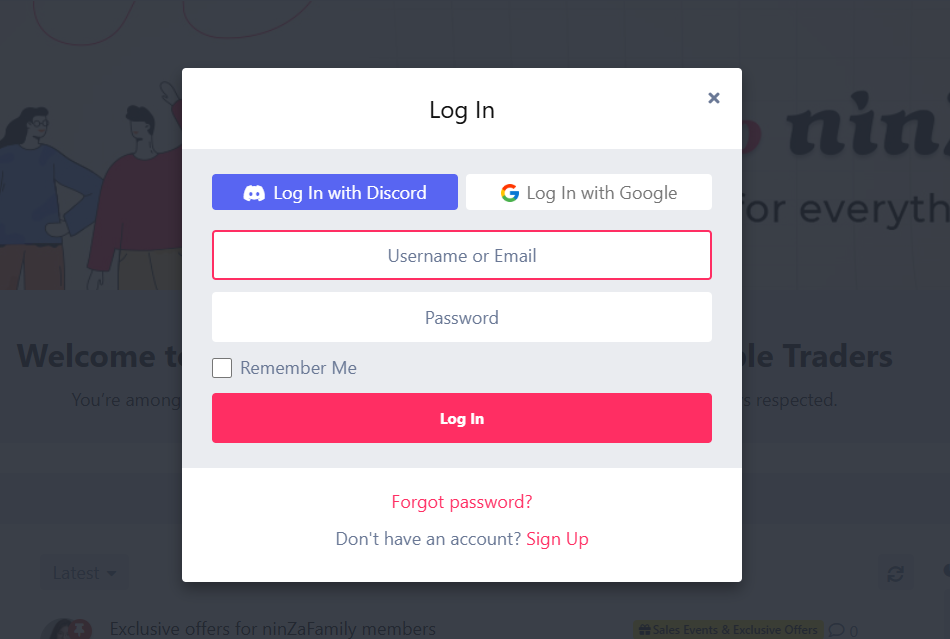
No complicated forms, no hassle.
Step 2: Access all free indicators & settings
Once you’re logged in:
- All free indicators become visible
- All available settings/templates are unlocked
- You can download and start using them right away
These settings are designed to help you get better performance from your indicators without spending time tweaking everything from scratch.
We keep adding more 🎯
This library isn’t static.
We’re constantly updating and expanding the free indicators and settings available to ninZaFamily members – so it’s always worth checking back.
Enjoy exploring, testing, and trading.
Welcome to ninZaFamily – and thank you for trusting us 🙌
If you ever feel stuck or can’t find something, just leave a comment below – we’ll be happy to help.